First off, LOVE ITTTT, also I found Wigglypaint on the app store by the way, I don't know if this was u or if it was someone else, I know sometimes people steal itchio apps and I just wanted to let you know!
Anyway, here's a pumpkin I made! Happy Halloween everyone :)
Are the recent gifs that people have posted here not animating for anyone else? I've scrolled down to older posts and they seem to be working, but any new posts made after 15 days ago aren't moving on my screen.
Hey i love the look of this app and wanted to create some stuff, but for me the toolbar on the left isnt functioning (for example the circle tool/square tool) only the toolbar on the right works for me. Anyone else had this issue or know a fix? ty! (for extra context im on a PC on google chrome)
Yeah, those tools only seem to edit the background but not draw on the canvas. I think this is because the program was built using Decker. I'm not a programmer or game dev by any means so take what I say with a grain of salt, but from my understanding:
The tools you draw with on the canvas (tool bar on the right) are widgets that have been programmed to draw certain things on the canvas
Meanwhile the toolbar on the left are actual tools you use to build the program (Wigglypaint) itself. On Decker, you can use those tools to build your own program! (I recommend taking a look at the examples of games/applications people have made on the Decker website)
So unfortunately, the tools on the right can't be used to draw on the canvas, unless you decide to code your own circle/square tool widget with them.
← Return to tool
Comments
Log in with itch.io to leave a comment.
This program is actually so peak
First off, LOVE ITTTT, also I found Wigglypaint on the app store by the way, I don't know if this was u or if it was someone else, I know sometimes people steal itchio apps and I just wanted to let you know!
Anyway, here's a pumpkin I made! Happy Halloween everyone :)
I only publish WigglyPaint on itch.io and newgrounds.com.
yikes yeah then I’m so sorry but I think someone stole it then 😭, here’s the link for what I found https://apps.apple.com/us/app/wigglypaint-draw-shake-share/id6751747069
Sucks that they're charging people $3.99 for a free program they didn't even develop :/
angel sua!!!!!!!!
SUA!! so pretty
so pretty!! 🤩
ty!
YOU CAN MAKE TRANSPARENT GIFS GRAGGGH THIS IS SO PEAK
execute immediately
"What do you think will happen?"
Still in love with this game, here's my favourite baldy <3
Prophetic man!!!
he deserves so much more love 😔😔
unpopular opinion: MEOWTH SHOULDA STAYED WITH THAT GIRL FROM THE ANIME, THEY WERE SUCH A BETTER DUO THAN HER AND EEVEE </3
first and last time drawing luka
why is this the only drawing that’s wiggling for me
what do you mean .deck
HAPPY SPOOKY SEASON!!!
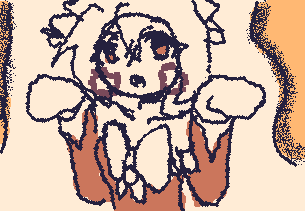
can I pet that dawg???
CAN I PET DAT DAWG????
of course :3
One, two, three, ready?! Miku, miku BEAM!!!!!
BEAMMMMMMMMMMMMMMMMMMMMMMMMMMMMM
this was my first one :3 very fun
you good bro?
you’ve got something in your eye, there…
Bro shows he need help with really good art...
I think I'm getting the hang of this a bit more now??
Meow :3
is there a way to save the image but with the wiggling? like as a gif
put .gif at the end of your file name and save (ex: cat.gif)
that in -> File -> Export Image / right? it already saves as a gif, but when I open it, it's not one??
No. By clicking Export on lower left.
Are the recent gifs that people have posted here not animating for anyone else? I've scrolled down to older posts and they seem to be working, but any new posts made after 15 days ago aren't moving on my screen.
Uploading animated GIFs on itch.io is presently broken. It's a real bummer and I hope it's fixed soon. :/
This is not a question

Woooow, so good
more no I'm not a human.... MOREE!! In my mind, these two would be friends and laugh at amongus jokes from 2020 together <3
Hey i love the look of this app and wanted to create some stuff, but for me the toolbar on the left isnt functioning (for example the circle tool/square tool) only the toolbar on the right works for me. Anyone else had this issue or know a fix? ty! (for extra context im on a PC on google chrome)
Yeah, those tools only seem to edit the background but not draw on the canvas. I think this is because the program was built using Decker. I'm not a programmer or game dev by any means so take what I say with a grain of salt, but from my understanding:
The tools you draw with on the canvas (tool bar on the right) are widgets that have been programmed to draw certain things on the canvas
Meanwhile the toolbar on the left are actual tools you use to build the program (Wigglypaint) itself. On Decker, you can use those tools to build your own program! (I recommend taking a look at the examples of games/applications people have made on the Decker website)
So unfortunately, the tools on the right can't be used to draw on the canvas, unless you decide to code your own circle/square tool widget with them.
Hope this helps!
ohhhh that makes so much sense, thank you!
Having lots of fun! Happy spooky season!
You too
^____^
mouthwashing ^^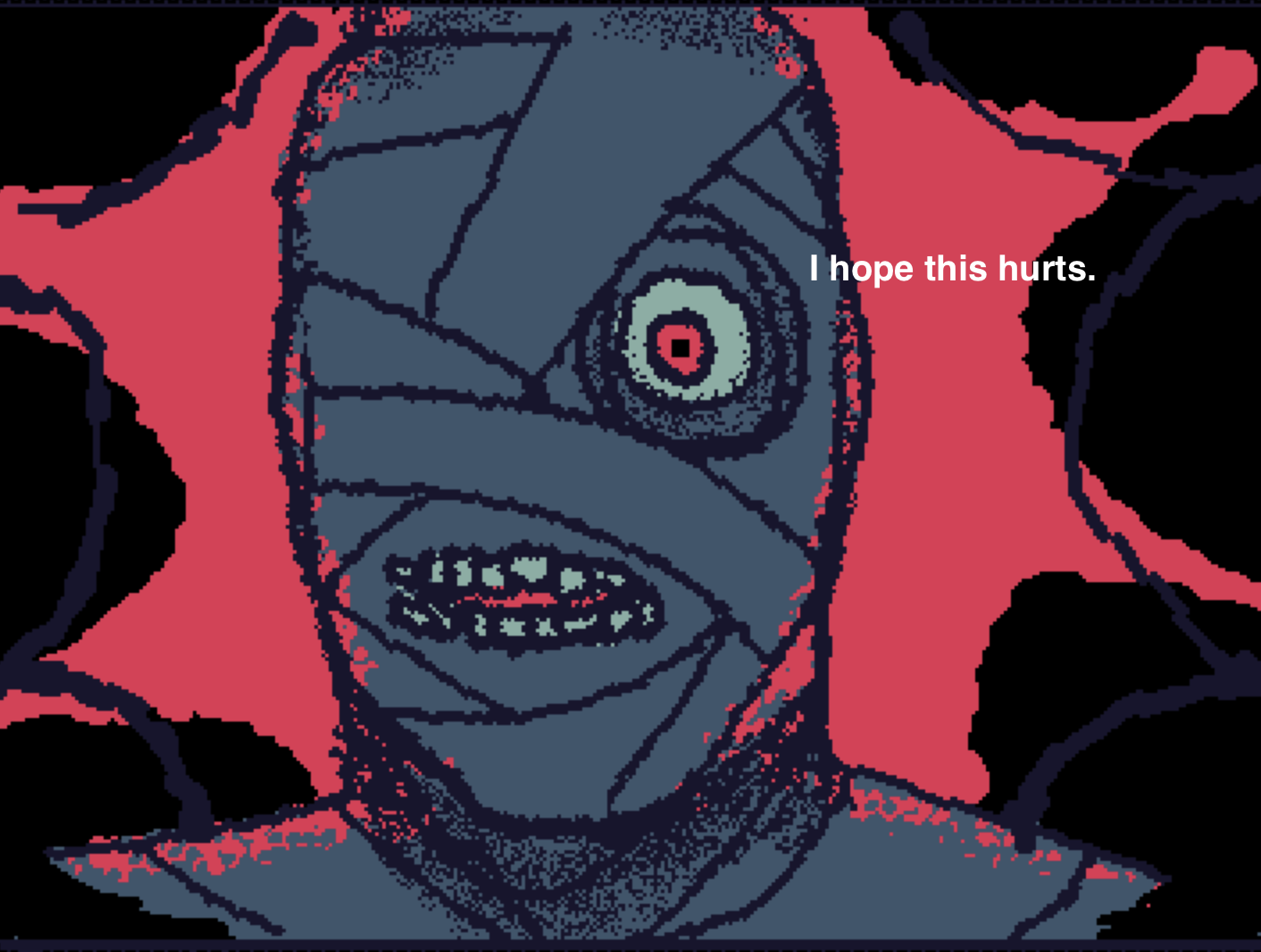
Me when hes curly B) very very coooool